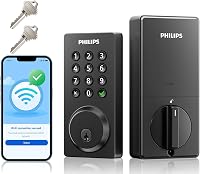
Wi-Fi & App Locks
How to Install a Philips Smart Door Lock
Learn how to install a Philips smart door lock: measure the door, fit the deadbolt and keypad, pair Wi-Fi and the app, and test auto-lock safely.
Plain guides and side-by-side picks for keypad, fingerprint and Wi-Fi door locks, plus Apple Home, Matter and Z-Wave models. Start with the door you have, the way you want to unlock it or the model you're weighing.
Learn how to install a Philips smart door lock: measure the door, fit the deadbolt and keypad, pair Wi-Fi and the app, and test auto-lock safely.
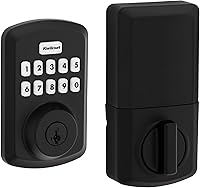
How to program a Kwikset Powerbolt 250: set the master code, add user codes, set auto-lock and vacation mode on the keypad deadbolt.

How to install a Kwikset Halo smart lock: remove the old deadbolt, fit the new one with a screwdriver, then finish setup in the Kwikset app.
Learn how to program a Defiant electronic deadbolt, set user codes, delete old PINs, and manage the master code so everyone gets their own entry code.

How to install a Yale smart lock: remove the old deadbolt, fit the new one, mount the keypad and interior, add batteries and set up the app in about an hour.
Learn how to install a keypad door lock on a standard door: remove the old deadbolt, fit the latch and strike, mount the keypads, and set the first code.
Learn how to change a keypad door lock code in a few minutes, including how to enter programming mode, set a new user code and delete old ones.
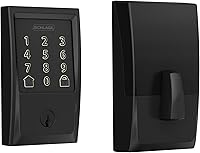
Does Schlage make a smart key lock? Yes, Schlage smart deadbolts use SmartKey re-keying. Here's which models have it and what it means.
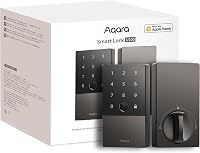
Aqara U100 review: compare fingerprint entry, Apple Home Key, hub needs, setup and battery care to decide if this smart deadbolt fits your home.